Documentation
Platform Workflow
Once you have completed your project in Design Canvas and generated the BOM in BOM View, the Output Files page lets you download all your deliverables directly. You can export a PDF report with schematics and BOM, CSV BOM formats (Consolidated and Flat), and a project package for EDA tools like Altium Designer, Autodesk Eagle/Fusion, or KiCad. There is also a Download All option to get everything at once, and links to guidance on integrating these files into your preferred ECAD software.
📝Contents
PDF Report
BOM
Project Package
Download All
In the Output Files page, you will find three file types to download.
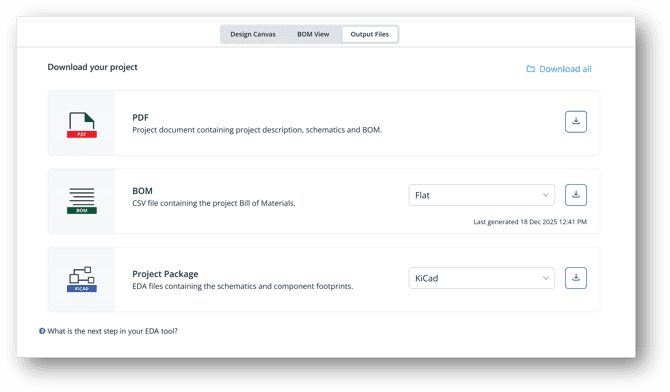
Download Output Files for your Project
1. PDF Report: A comprehensive report containing:
Project details
Schematic files
Bill of Materials (BoM)
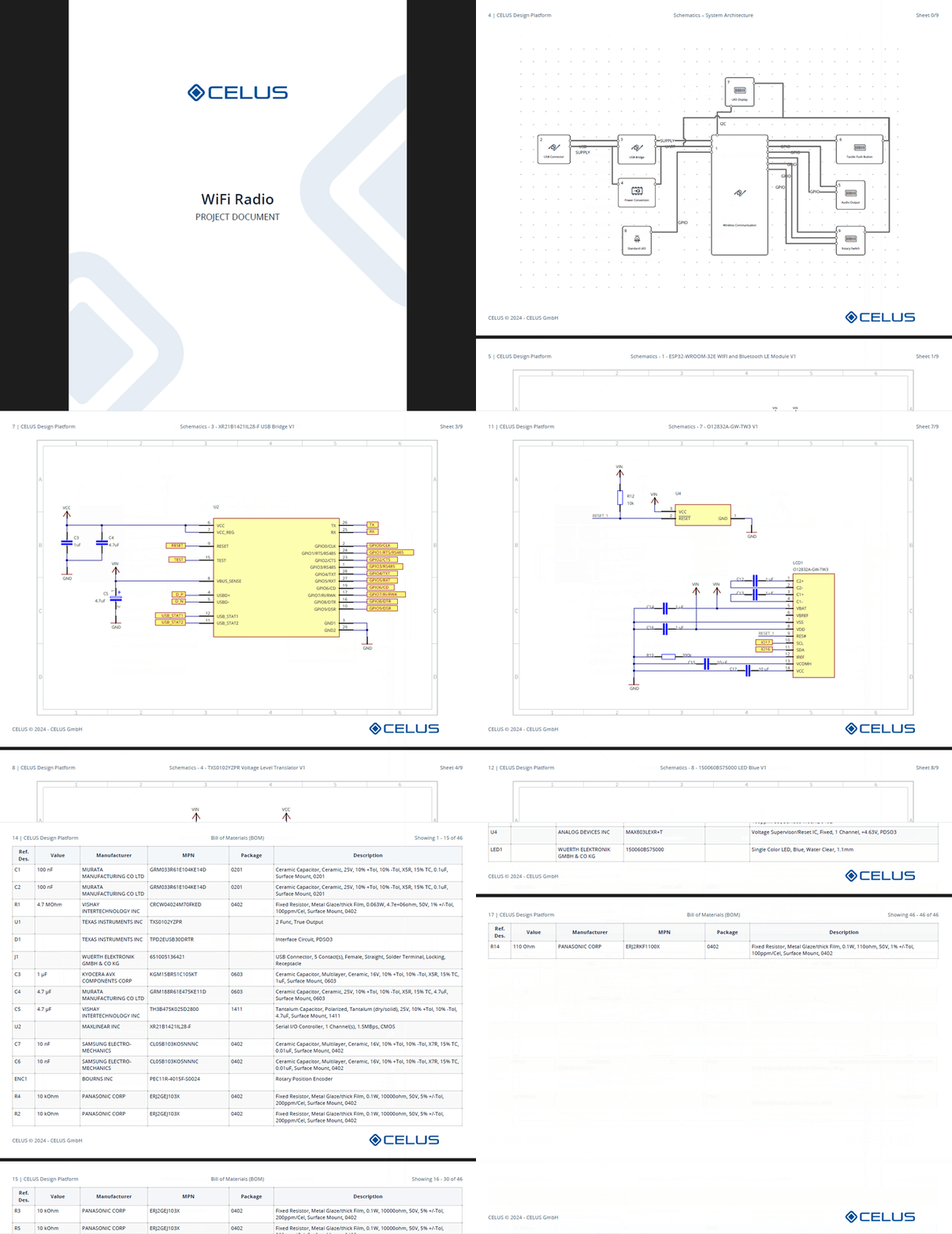
PDF Report generated from Celus Platform
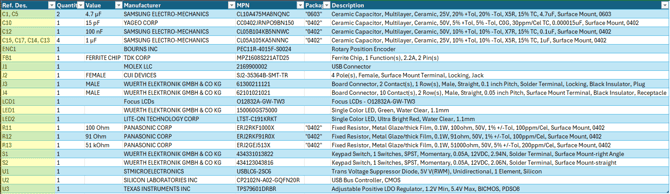
2. BOM (CSV Format): Export the Bill of Materials in two formats:
Consolidated BOM - BOM organized by Value (parts grouped according to the usability of a part).
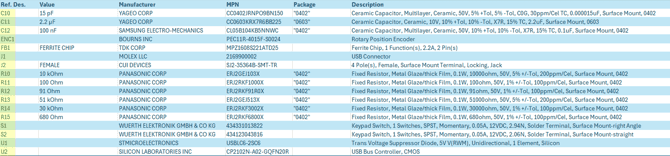
Flat BOM - BOM organized by Part (one part per row).
3. Project package:
Altium Designer: ZIP file containing project file (.PrjPcb), schematic files (.SchDoc), and the PCB design (.PcbDoc files)
Autodesk Eagle / Fusion: Contains Schematic file (.sch) file the project resolved. In Eagle or Fusion, you can generate PCB Layout (.brd) from the Schematic file itself.
Kicad: ZIP file containing the project file (.kicad_pro), schematic files (.kicad_sch) for the project resolved and page layout (.kicad_wks).
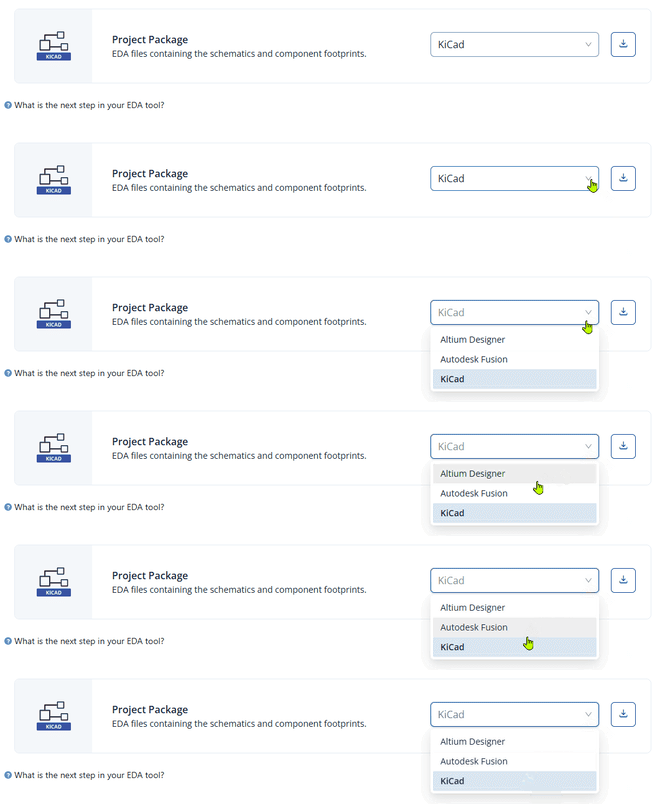
Project Package: Altium Designer, Autodesk Fusion, KiCAD
4. Download All: You can also download files individually using the individual download buttons or download everything all at once using the Download All button at the top right.
After downloading the files, and for further guidance on how to proceed with them, click on What is the next step in your EDA tool? to learn how to integrate your design into your preferred ECAD software.
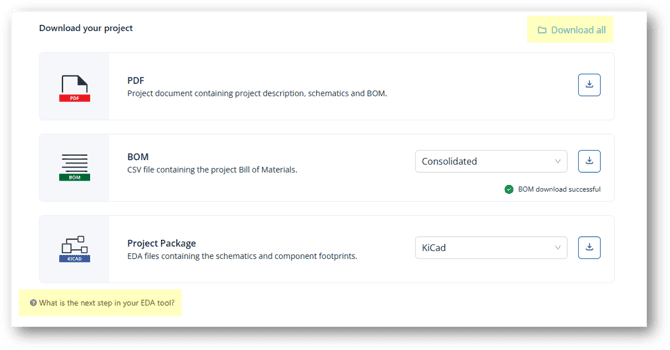
Output Files: Download All button and link to What is the next step in your EDA tool?
Stay informed: see all our latest articles and updates on the Home Page.
An intelligent electronics design platform that seamlessly automates component search, schematic generation, and EDA handover.
© Copyright 2026 CELUS · All rights reserved.